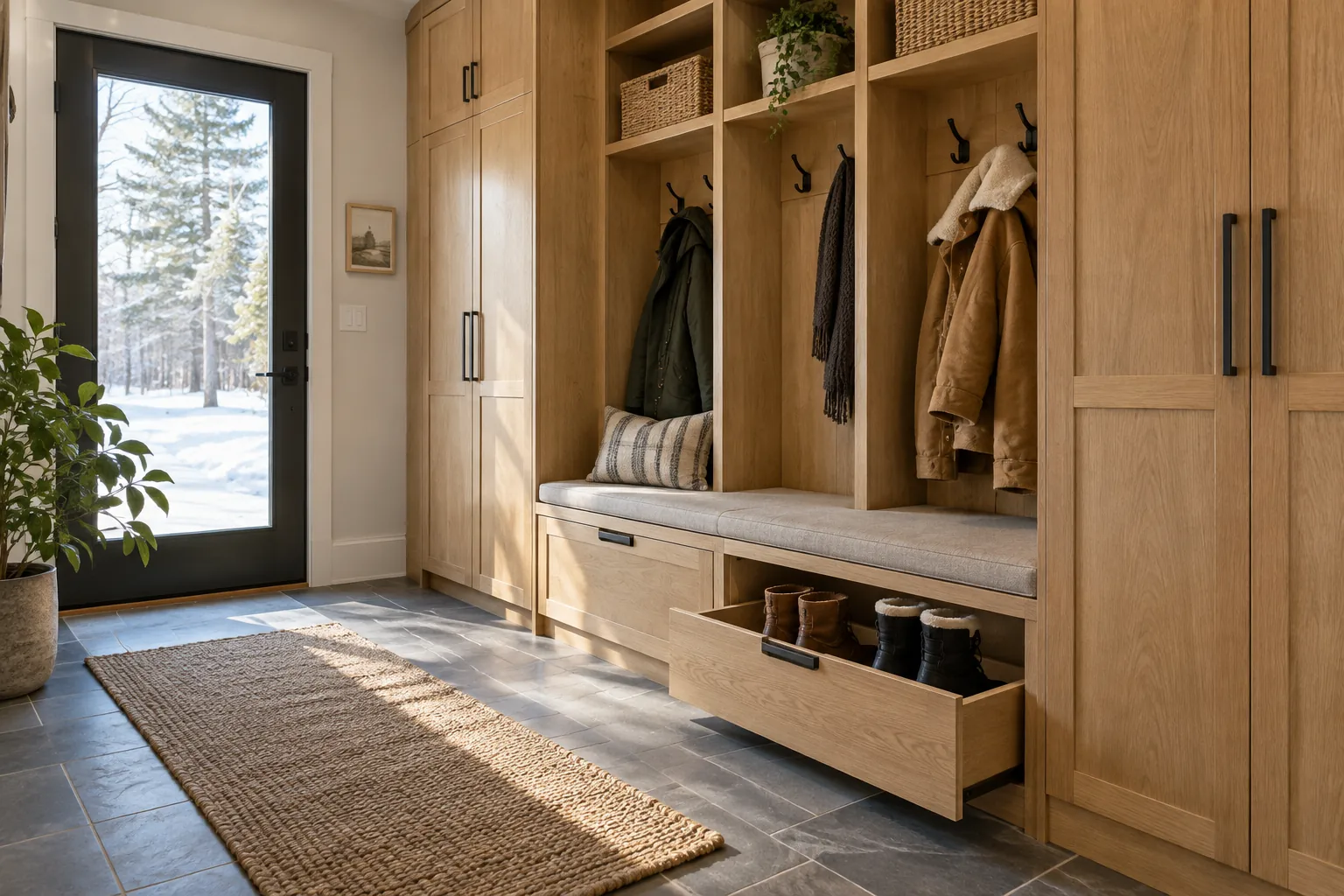
A move-in plan can make an unfamiliar home feel orderly and easier to use. Coordinate access, selected finishes, closet function, and reliable connectivity around the household’s first routines, with a clear boundary between improvements and complementary first-time installations.
Learn before changing everything
Walk through arriving, storing coats and bags, working online, dressing, and relaxing. Identify what already works and what causes avoidable friction. Existing cabinetry, floor finishes, wiring routes, and door positions may be useful assets. Record visible condition and any unassessed issues. A fresh coating or new cupboard should not conceal dampness or another unresolved symptom simply because the home is changing hands.
Set the infrastructure and access decisions
Review locks and access around the actual door, users, and manual fallback. Smart features need compatibility, account ownership, and understandable operation. Whole-home Wi-Fi planning should consider layout, construction, access-point positions, cabling opportunities, and the locations that need reliable service. Canadian Centre for Cyber Security guidance supports attention to router settings, updates, and connected-device security. A faster internet subscription alone does not resolve every indoor coverage problem.
Coordinate storage and finishes
Plan closet interiors around real clothing, shared use, reach, and door movement. Confirm what can remain and which surfaces need repair or preparation before painting. Final storage dimensions and fixings can influence the finish sequence. Where a first television mount is wanted, Installing is the complementary owner of that first-time fitting; coordinate viewing position, substrate assessment, power, and cable routes with the wider room plan instead of representing it as an Upgrading-owned service.
Choose a practical first phase
Complete disruptive preparation before moving possessions into the affected areas where feasible. A first phase might establish useful access, dependable work connectivity, and one well-organized closet while decorative choices remain under consideration. Another may prioritize finishes before bulky furniture arrives. Agree on product supply, protection, access, and making good in writing. Keep optional smart scenes separate from the essential controls needed to use the home confidently on the first day.
Handover the home to its users
Demonstrate locks, fallback operation, network coverage in agreed locations, and storage movement. Transfer relevant administrator ownership and recovery information securely; do not put passwords into a general project enquiry. Keep product, finish, and care records. Ask HAUSE to turn the move-in list into a coherent first brief, with each complementary service stage clearly assigned. The intended benefit is a calmer daily routine, rather than a rushed catalogue of unrelated products.
- Map arrival, work, dressing, and relaxing routines.
- Investigate symptoms before decorative covering.
- Coordinate access and network ownership.
- Plan storage and finish preparation together.
- Assign first-time TV mounting to Installing.
- Keep operating and care records securely.